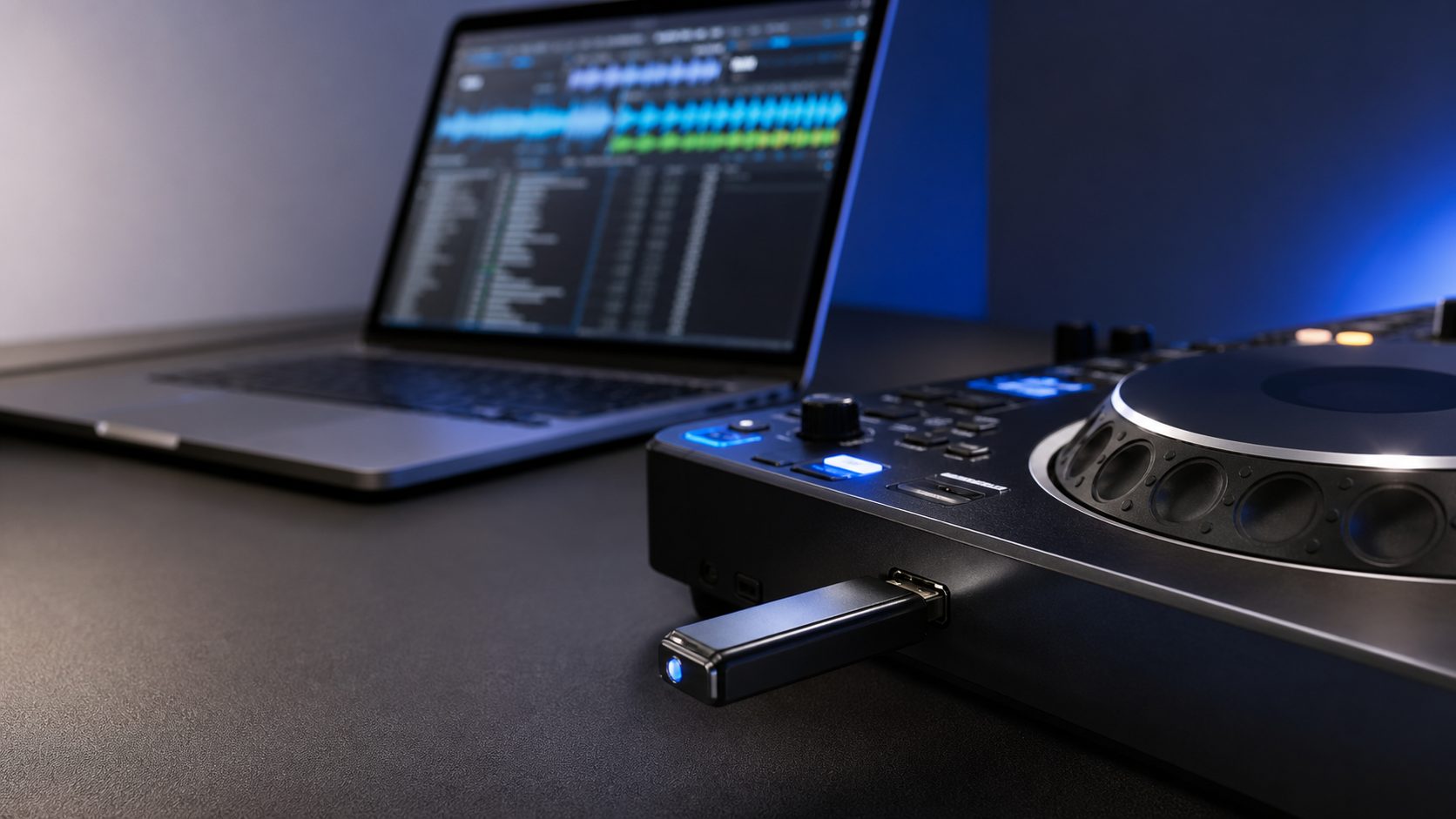
If you are preparing a USB drive for Rekordbox, CDJs, or XDJs, the safest answer is still simple: use FAT32 if you want the best chance of working across different Pioneer DJ and AlphaTheta players.
That does not mean exFAT is always wrong. Newer gear can support it. The problem is that DJs rarely know exactly which players they will meet in a booth, especially at bars, small clubs, rehearsal rooms, open decks, weddings, and backline rentals. A USB that works on your laptop is not enough. It has to work on the player in front of you.
So this guide is less about what your computer can format and more about what format gives you the least stress when you actually plug into DJ gear.
Quick Answer
| Format | Best for | My recommendation |
|---|---|---|
| FAT32 | Maximum compatibility with older CDJs/XDJs and most Rekordbox export setups | Use this if you want the safest gig USB |
| exFAT | Newer AlphaTheta/Pioneer DJ gear that supports it | Useful, but test it on the exact gear before relying on it |
| HFS+ | Mac-heavy workflows and many older Pioneer DJ players | Fine for Mac users, but less convenient if you move between Mac and Windows |
| NTFS | Windows storage in general | Avoid for Rekordbox/CDJ export drives |
If you only remember one thing: FAT32 is the boring answer, and boring is good when the booth is dark and people are waiting.
Why FAT32 Is Still the Safest DJ USB Format
FAT32 is old, limited, and not exciting. That is exactly why it is still useful for DJ USB drives. It is widely readable, it works across Mac and Windows, and it has long been supported by many Pioneer DJ players.
The main downside is the 4GB file size limit. For most DJs exporting MP3, AAC, AIFF, WAV, or FLAC tracks, that usually is not a real problem. A normal track file is nowhere near 4GB. The bigger limitation is that Windows does not make it easy to format large drives as FAT32 using the built-in format tool.
That inconvenience is annoying, but it is still better than arriving with a USB that a player cannot read.
Is exFAT Better for Rekordbox?
exFAT is more modern than FAT32. It handles large drives more cleanly and does not have the same 4GB file size limit. Newer AlphaTheta/Pioneer DJ gear can support exFAT, and some current manuals list FAT16, FAT32, exFAT, and HFS+ as supported file systems.
But this is where DJs get caught: support depends on the player. Newer gear may be fine. Older CDJs may not be. If you mostly play on your own current setup, exFAT can be convenient. If you play on unknown club gear, FAT32 is still the safer choice.
My rule is this:
- For your main gig USB: use FAT32.
- For a backup USB used only with newer gear you have tested: exFAT can be okay.
- For open decks, rentals, and random booths: do not gamble on exFAT.
What About HFS+?
HFS+ can work well if you are fully inside a Mac workflow. Older Pioneer DJ support material often mentions HFS+ alongside FAT formats, and many Mac users have used it successfully for DJ drives.
The problem is portability. If you ever need to fix, copy, or rebuild a USB on a Windows laptop, HFS+ becomes less convenient. That is why I usually treat HFS+ as a good Mac-only option, not the default recommendation for every DJ.
Do Not Use NTFS for a Rekordbox Export USB
NTFS is common on Windows drives, but it is not the format I would trust for a Rekordbox export USB. Even if your computer sees the drive perfectly, that does not mean a CDJ or XDJ will treat it as a usable DJ drive.
If Rekordbox sees your USB strangely, or your player says the USB is not recognized, the format should be one of the first things you check.
Best Format by DJ Situation
| Situation | Use this format | Why |
|---|---|---|
| You play on unknown club gear | FAT32 | Best overall compatibility |
| You use older CDJs | FAT32 or HFS+ | Older players may not support exFAT |
| You use newer CDJ/XDJ/AlphaTheta gear only | FAT32 or exFAT | exFAT may work, but test it first |
| You move between Mac and Windows | FAT32 | Easiest cross-platform choice |
| You keep one backup USB for emergencies | FAT32 | Backups should be boring and reliable |
How I Would Format a DJ USB in 2026
- Use a reliable USB drive, not the cheapest no-name drive you can find.
- Format it as FAT32 if it is your main gig USB.
- Use a simple drive name with no weird symbols.
- Export from Rekordbox properly, not by dragging random folders manually.
- Test the USB on real DJ gear before a gig.
- Keep a second USB as a backup.
If you are still choosing the drive itself, start with my best USB drives for DJing guide. If your export is failing, use the Rekordbox USB export troubleshooting guide.
Common Formatting Mistakes
Using the drive straight out of the package
Many drives come formatted in a way that is fine for normal storage but not ideal for DJ export. Format the drive intentionally before building your Rekordbox library on it.
Assuming bigger is always better
A huge drive can work, but it can also be slower to scan if it is messy or overloaded. For most DJs, a clean 64GB, 128GB, or 256GB drive is more practical than carrying every file you have ever downloaded.
Only testing on your laptop
Your laptop reading the USB does not prove a CDJ will read it. The real test is plugging it into DJ hardware and checking playlists, cue points, waveforms, and load speed.
Relying on one USB
USB drives fail. They also get lost. If the set matters, bring at least two drives, ideally exported and tested separately.
What Official Support Says
AlphaTheta support material for current gear can list FAT, FAT32, exFAT, and HFS+ as supported file systems for USB devices, while older Pioneer DJ support material often points DJs back to FAT/FAT32/HFS+ and warns against unsupported formats such as NTFS or exFAT on older players.
That is why the practical advice is not “exFAT never works.” The practical advice is: know the gear, and use FAT32 when you do not know the gear.
- AlphaTheta USB-A supported file systems
- CDJ-2000 firmware USB preparation notes
- rekordbox OneLibrary / USB export FAQ
Final Take
For most DJs, the best USB format for Rekordbox and CDJs is FAT32. It is not the most modern format, but it is the one I would trust first when the player model is uncertain.
Use exFAT only when you know the gear supports it and you have tested the exact USB before the gig. Use HFS+ if you are Mac-only and comfortable with it. Avoid NTFS for DJ export drives.
The goal is not to win a file-system argument. The goal is to plug in, see your playlists, load the first track, and start playing without drama.